Screens
The guest screens
The pages a client's guest uses: the invitation's landing page, the page that emails a new sign-in link, and the conversations shared with them. A guest sees these pages and nothing else of the organization that invited them. The steps are in Talk with your team and clients.
Who sees them
People at a client whom a project's manager has invited into a thread shared with that client (Invite a guest). A guest needs no account and no password: they sign in with a link emailed to the address they were invited at. They see only the threads they are invited into. They have no menu, no timesheets, no boards and no other screen. The pages wear the inviting organization's name, logo and color.
On a deployment that cannot sign guests in, these pages say Guests can't sign in here. Ask whoever invited you to get in touch another way.
The invitation's page
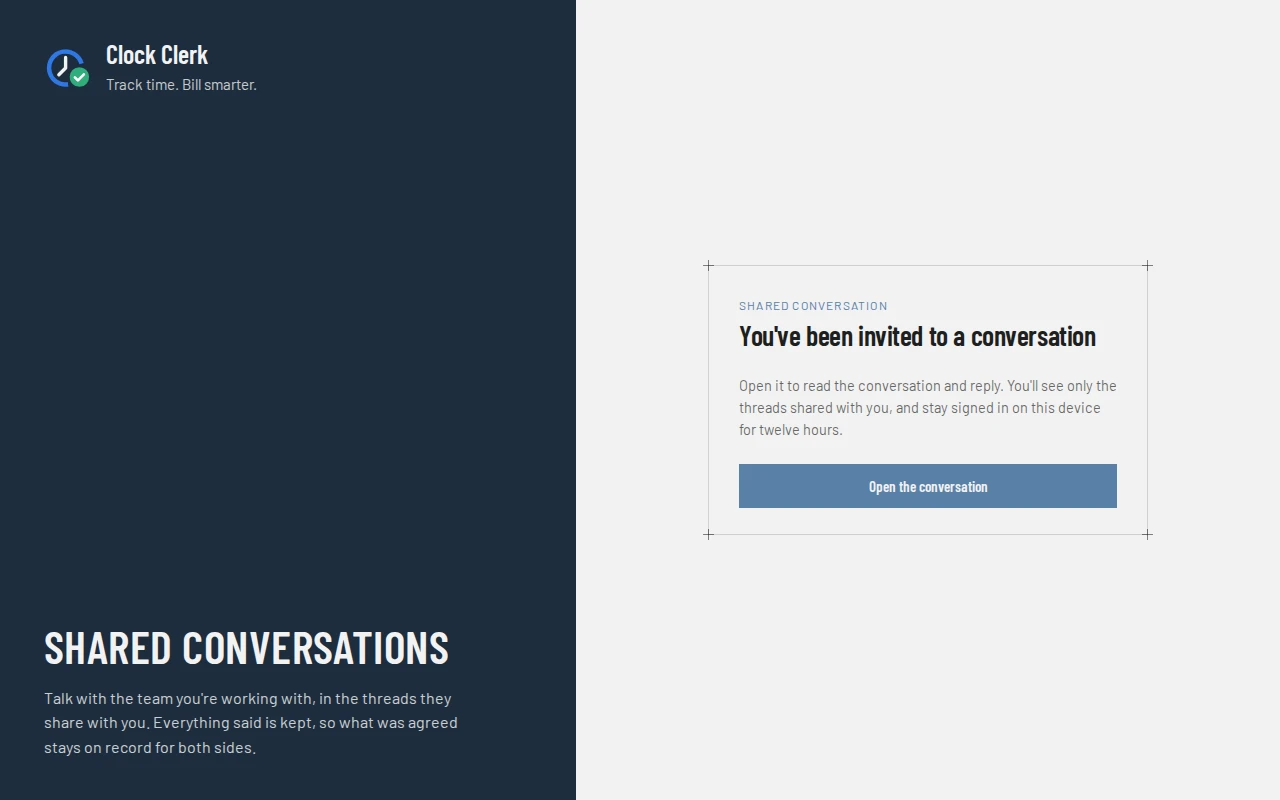
The invitation email's Open the conversation lands on You've been invited to a conversation. Nothing happens until the guest chooses Open the conversation on the page: then they are signed in for twelve hours on that device, and the thread opens. The link works once, for 14 days. A link that has been used or has run out says This link has expired or has already been used., with Email me a new link, which opens Sign in as a guest.
Sign in as a guest
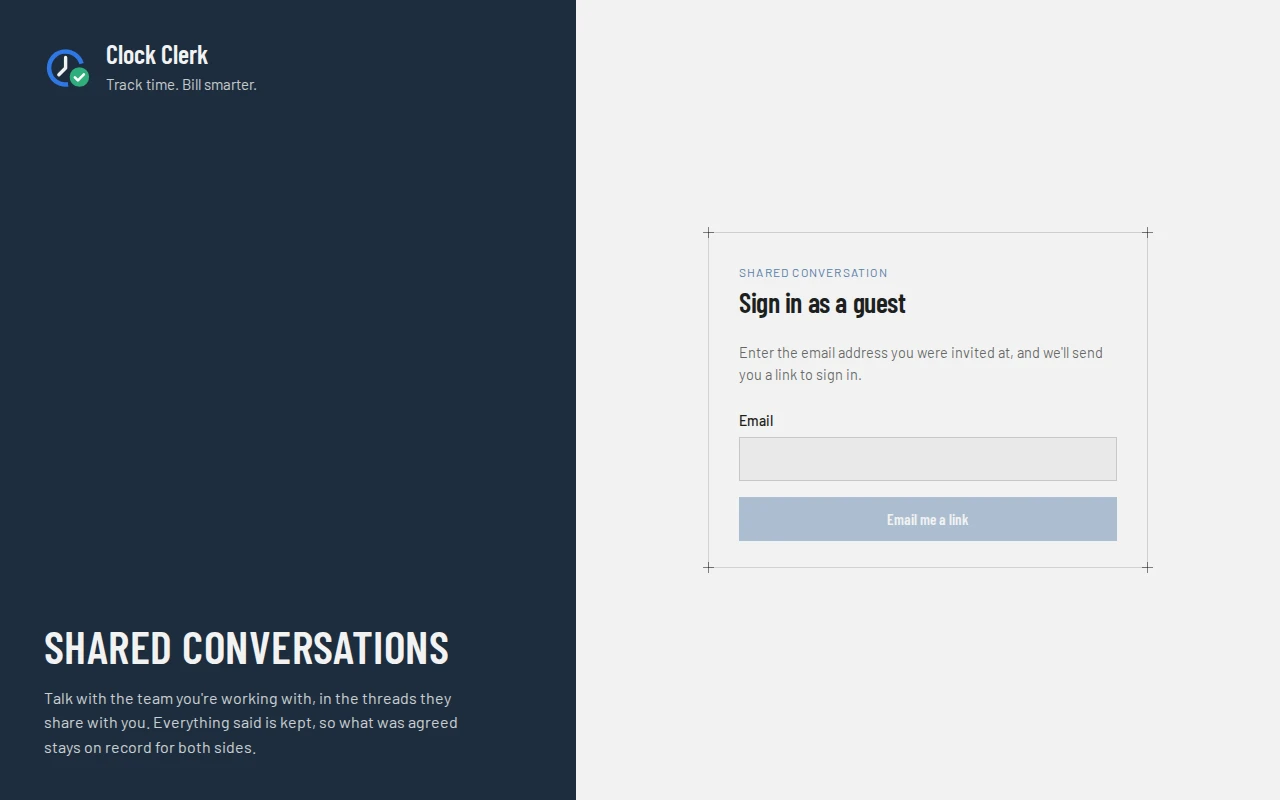
/guest/sign-in.At app.clockclerk.com/guest/sign-in. The guest enters the Email they were invited at and chooses Email me a link. The page always answers If that address has been invited into a conversation, we've emailed it a link to sign in. It works once, for 30 minutes., so it never tells anybody who has been invited. An email, Sign in to your conversations with …, goes to an address that is still in a thread, one for each organization that invited it. Nothing arrived? Check the junk folder, or ask whoever invited you to invite you again.
Shared with you
Once signed in, the guest's screen has a bar with the organization's name and logo, Signed in as and the guest's name, and Sign out. Below it:
- Shared with you: the threads they are in, each with its title, its project, the latest message and when it was written, and how many they haven't read.
- The open thread, beside the list, or on its own on a phone with All conversations to go back. It reads as a conversation does inside the organization: each message with its author and time, (edited) on a changed one, and Removed by … at … on a removed one. A task the team referenced shows as # and its name as it was when the message was sent, with no link.
- The box to write in, with Type @ to mention somebody in this discussion., and Send. @ offers the people who have written in the thread or invited a guest into it, and its other guests. There is no #: guests see no tasks.
A guest sees what is said in the thread, by everybody in it, and the names of those who wrote. They never see the project's own conversation, its cards, or anybody's direct messages. Taken out of a thread, they lose it at once; taken out of their last one, they are signed out with You're no longer in any conversation shared with you, so you've been signed out. When the twelve hours are up the screen says Your session has ended. Ask for a new link to carry on., with Email me a new link. If the organization's plan no longer includes guests, its threads can still be read, but not written in. So it is while an administrator of the organization has Messages turned off: the guest still signs in and reads everything said, but cannot send, edit or remove a message, and the thread says the organization has paused messages. When Messages is turned on again, everything is as it was.
A guest whose own company uses Clock Clerk can open these threads from Shared with you on their own Messages, once they link the address on their profile. The bar then has Back to your messages, and signing out of their own account ends the guest session too.
The foot of the screen
Under the conversations: Powered by Clock Clerk and Try it free, which opens a free trial with the guest's address filled in. Somebody who opened the thread from their own Clock Clerk account isn't offered the trial. Contact us, after it, opens Clock Clerk's contact form in a new tab, so the conversation stays open; see Contacting Clock Clerk. A question about the conversation itself is for the organization that invited the guest, not for Clock Clerk. Beside it, unless the organization has switched it off on its Organization tab, is an unticked box: Send me occasional news from Clock Clerk: new features, and tips for getting more out of it. I can unsubscribe at any time. Ticking it is the only way a guest is ever sent news; once they have, it says You'll get occasional news from Clock Clerk. with Unsubscribe. The invitation and sign-in emails end with the same Powered by line.
Buttons and when they appear
| Button | What it does | When it appears |
|---|---|---|
| Open the conversation | Uses the invitation's link and signs the guest in. | On the invitation's page. |
| Email me a link | Emails a sign-in link to the address given. | On Sign in as a guest. |
| Email me a new link | Opens Sign in as a guest, to ask for a new link. It sends nothing itself. | On a link that no longer works, and once the session has ended. |
| Send | Adds the guest's message to the thread. | In every thread they are in, unless the organization's plan no longer includes guests, or the organization has turned Messages off. |
| Edit, Remove | Changes or removes a message. | On the guest's own messages only, and not once the organization's plan no longer includes guests, or while it has Messages turned off. |
| Sign out | Ends the guest session on this device. | While signed in. |
| Back to your messages | Returns to the person's own Messages. | When the thread was opened from Shared with you in their own account. |
| Unsubscribe | Stops the news from Clock Clerk. | Once the guest has ticked the box. |